01 · VIEWS
Month, week, day.
Pick a date. Your plan is there.

 Month
 KRONOFLOW
Kronoflow · Time block planner
Put each task in the block where it belongs, morning, work or evening, without giving it an exact time. Your usual day comes back on its own, and any single day is easy to change.
One day · three views
Check the week, collect a thought, or settle into one task.
Pick a date. Your plan is there.
Month


A list, a thought, a small project—keep it together when you need it.
Sort the day, then use a timer when it helps.


Show what helps
Choose the details you want to see. Built with neurodivergent minds in mind.
Save a day or week as a shareable image.


Flow looks
Change the surface, not the way your day works.
One look that drifts from dawn to night with the clock. Same plan, different light.


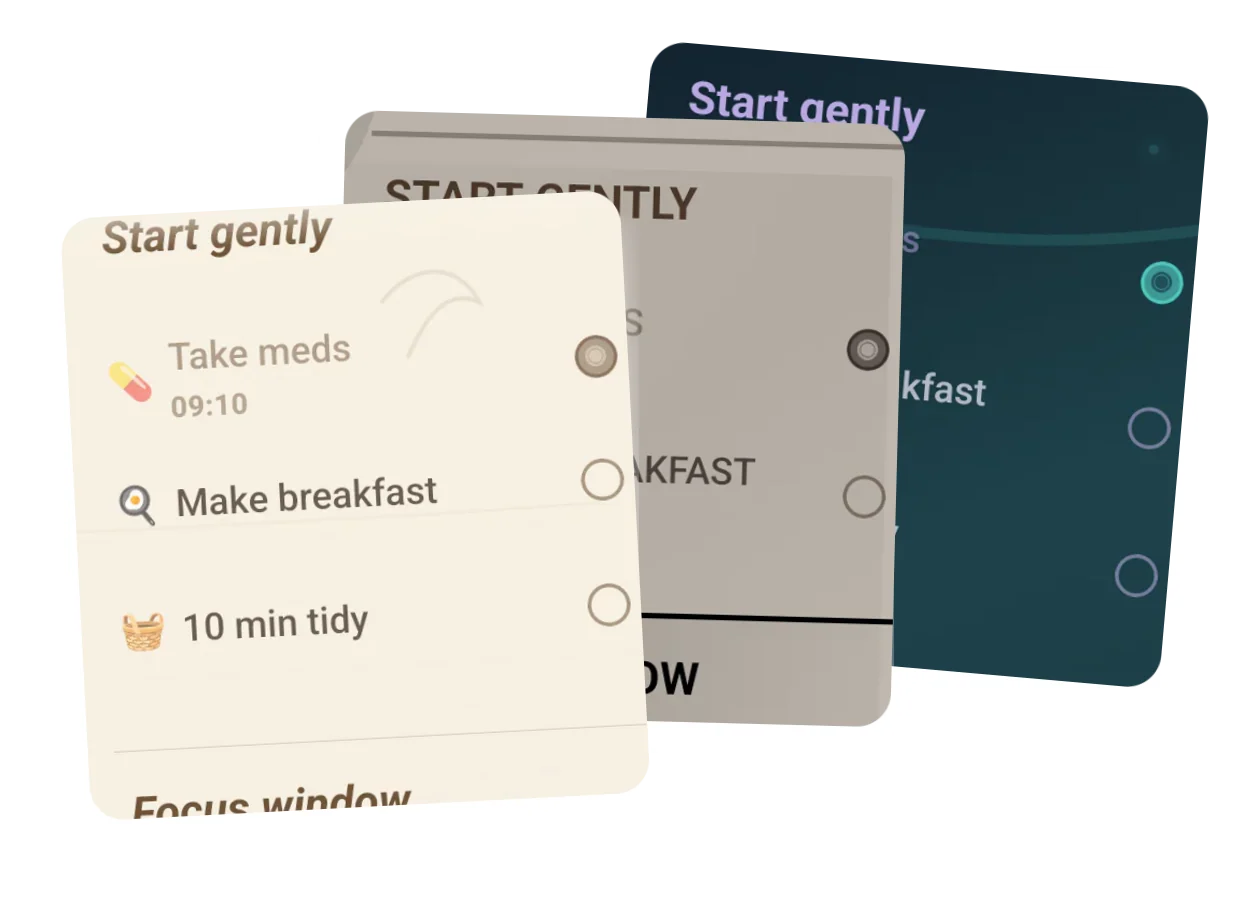
Paper, Ink, Abyss, Neon, Dune and more. The surface changes; the way your day works does not.
Kronoflow · now on Google Play